
DIY Ncode Printables
Download, print, and start writing with your Neo smartpen.
- DIY PrintingYou can download and print at home.
- Enough PagesEach PDF comes with 50 pages.
- Various FormatsWe provide a variety of forms.
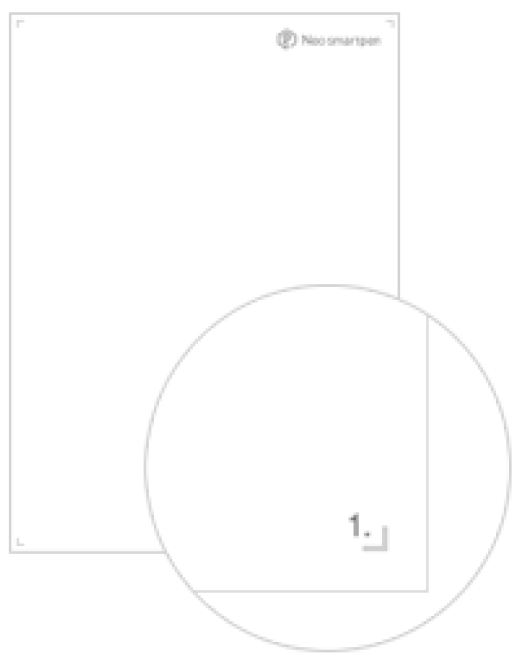
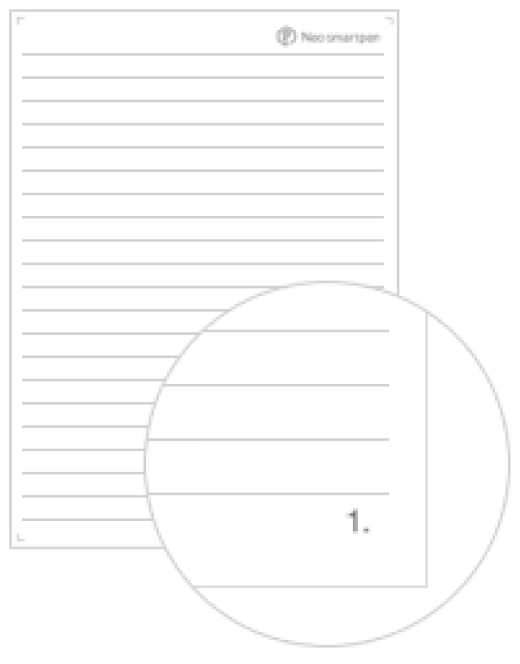
Basic Paper (A4)
Everyday A4 layouts — 50 pages per PDF.
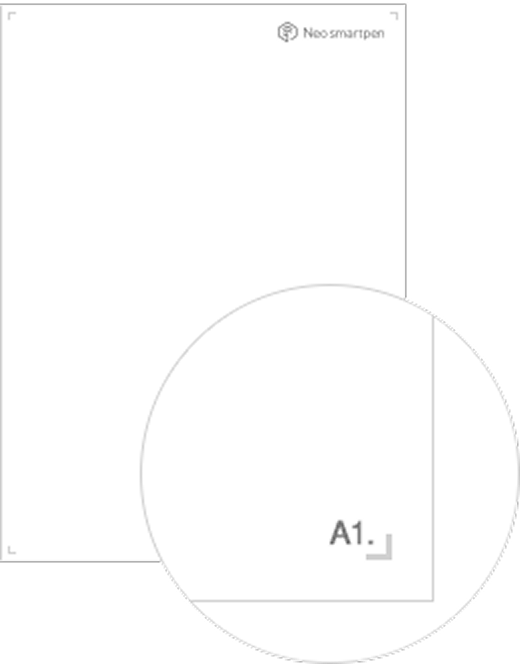
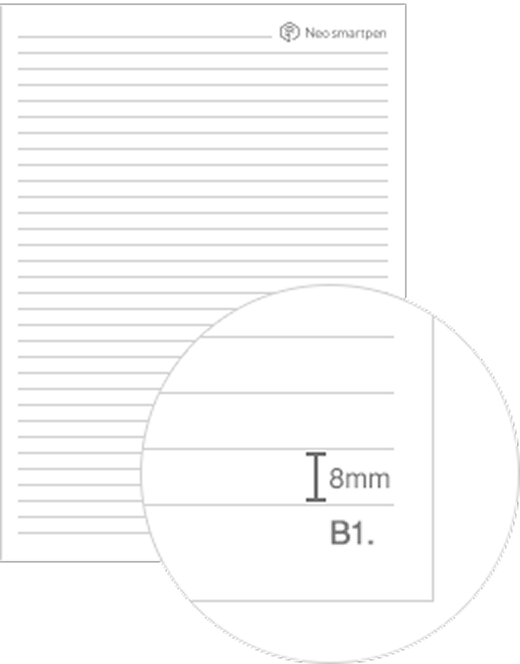
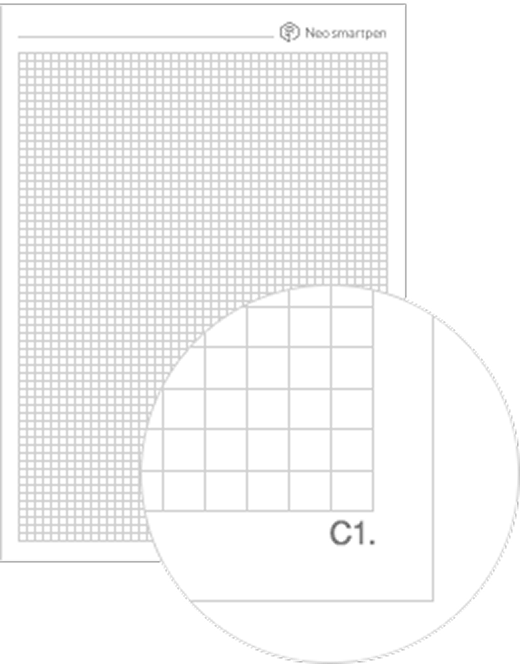
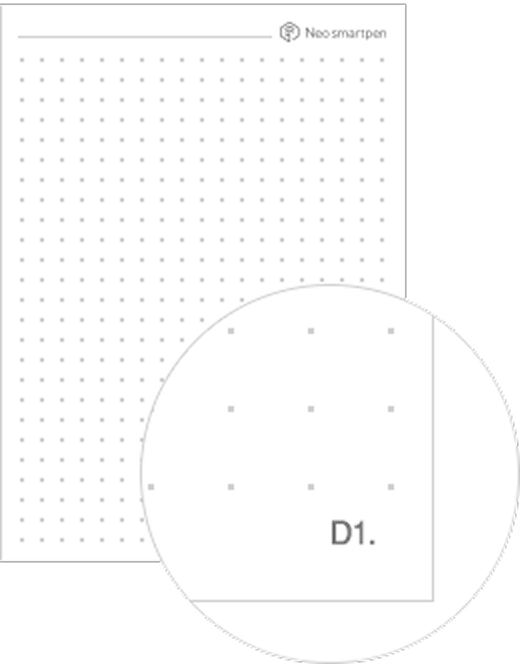
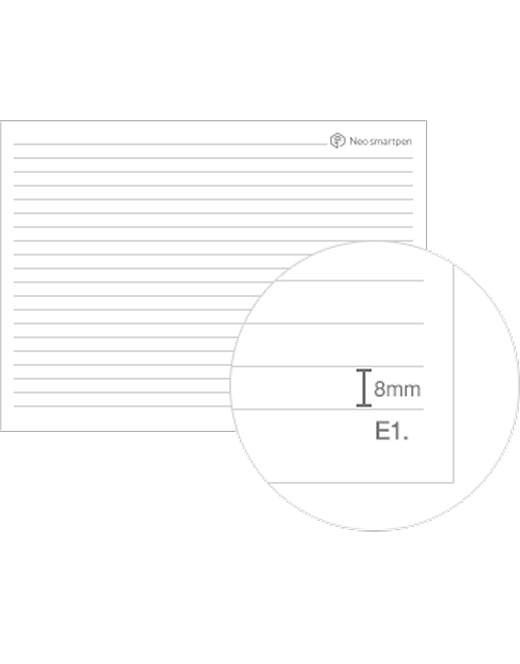
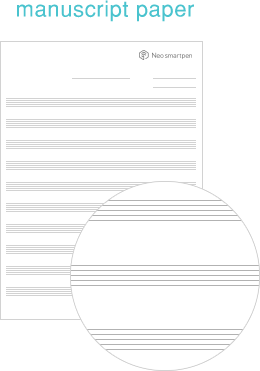
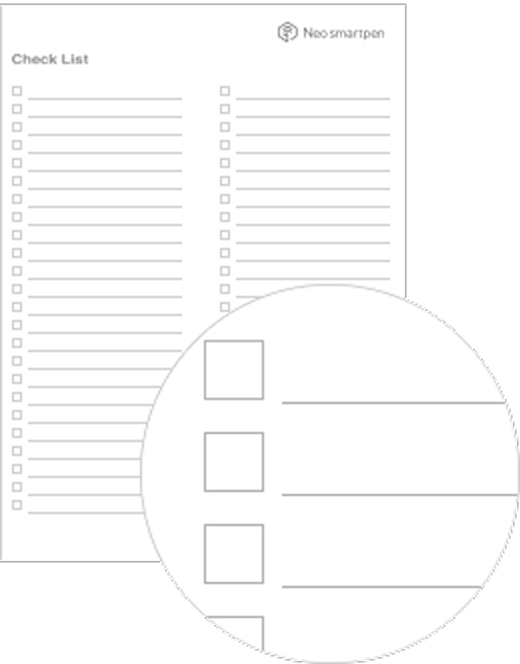
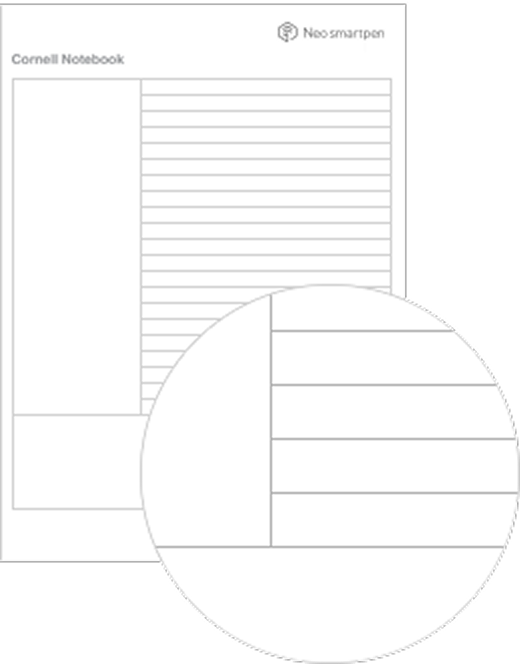
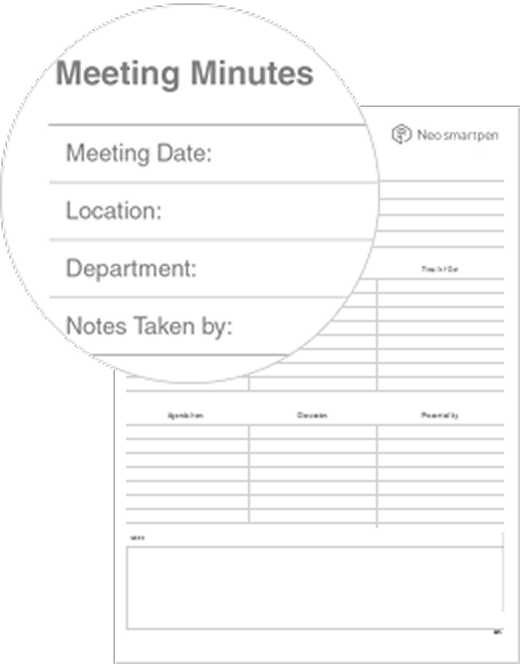
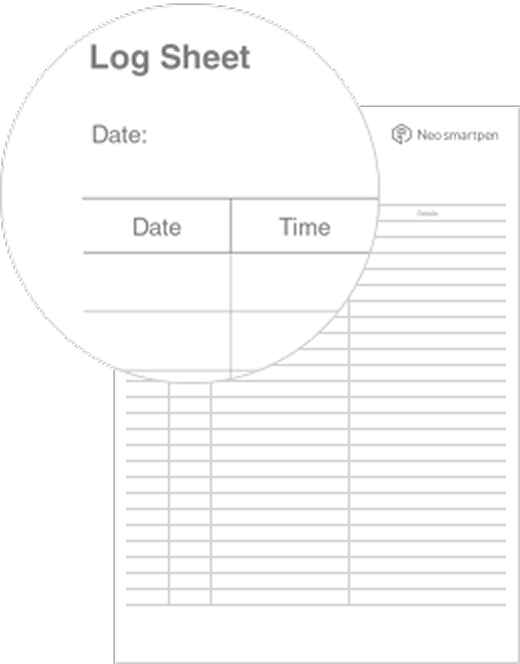
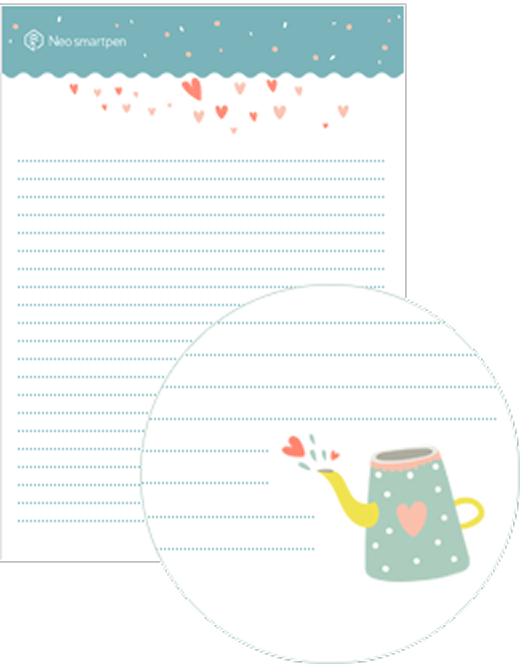
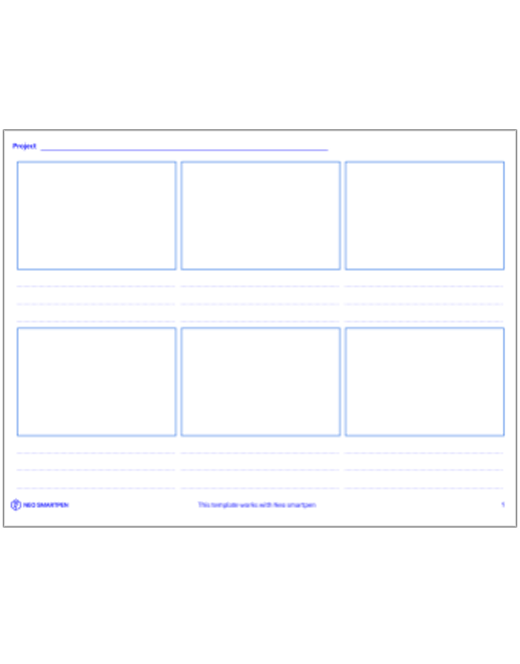
Templates
Ready-made layouts for notes, study, and planning.
Before You Print
- To ensure print quality and accurate Ncode recognition, we recommend printing with Adobe PDF Reader on a color laser printer.
- Install a PCL/PS driver to print Ncode PDFs at the highest quality. (Ask your printer manufacturer about the PCL/PS driver.)
- For grayscale laser printers, we recommend using the plain layout.
Test First
Some printers may not support Ncode printing. We recommend test-printing a few pages to verify recognition before printing the entire document.
Enable or Disable Pen Input
In Neo Studio2, you can enable or disable smartpen input for specific page ranges. This allows you to reuse your printables without worrying about overlapping pages.