

Reasonable performance
Still taking photos of your handwriting to keep them?
Manage your paper notes with just one app.
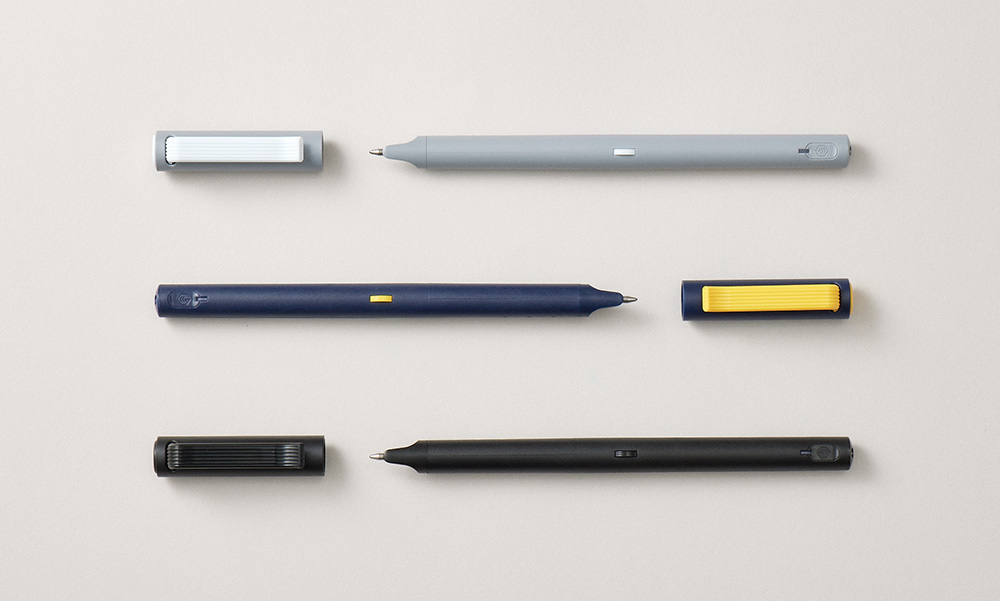
The same light ballpoint pen feel
Save / Search / Share digitally

Just like the parallel universe
Your writing has a digital twin
All you need to do is to writing with Neo smartpen
The digital copy of your writing can be utilized in PC/Mobile phones
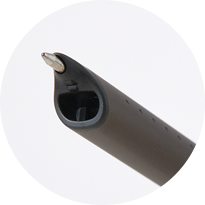
BATTERY
Same weight and performance as M1
with a longer battery life
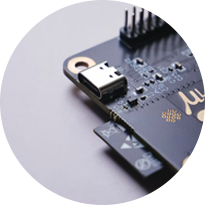
AUTO ON/OFF
Open the cap to start digital recording instantly
Auto power on/off with pen cap
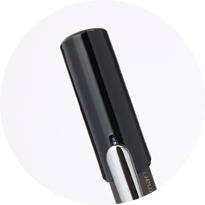
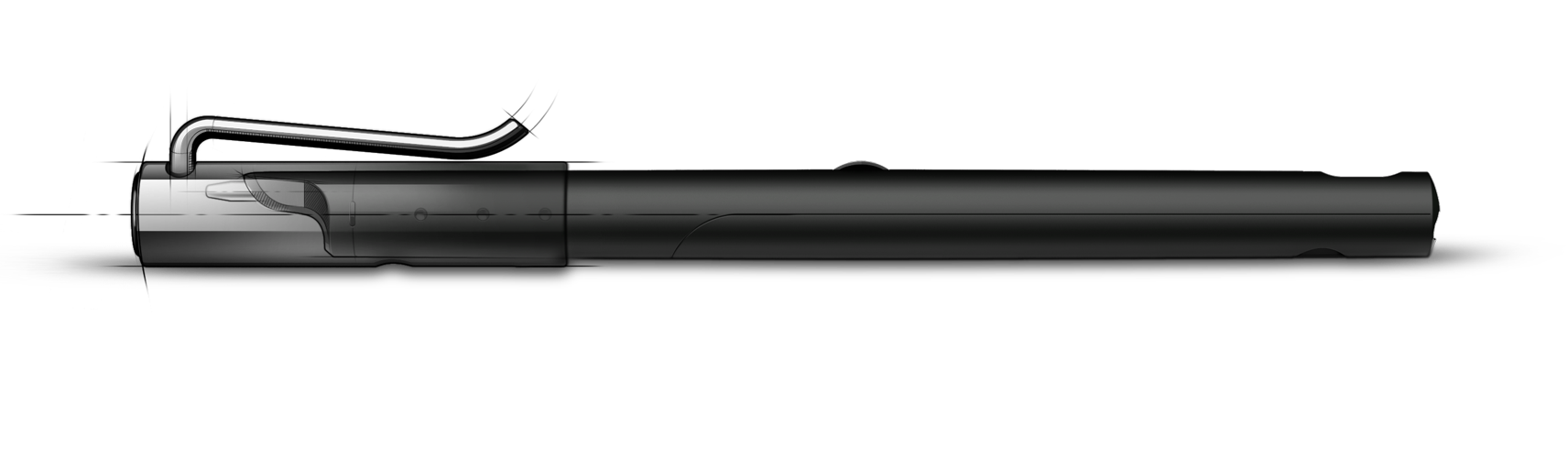
CLIP
A newly improved pen clip for better usability
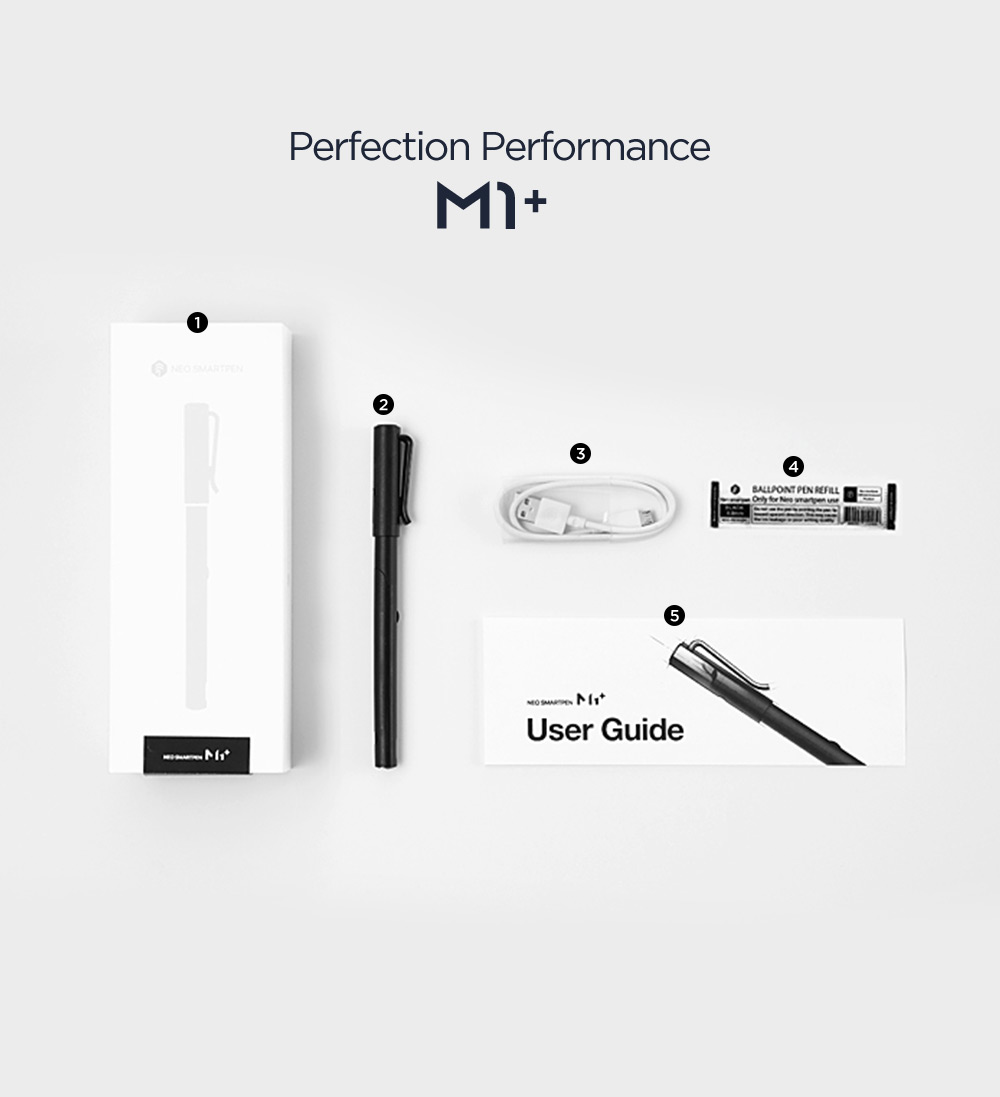
❶ Product Case
❷ Neo smartpen M1+
❸ Charging cable
❹ Ballpoint pen nib (2EA)
❺ Manual
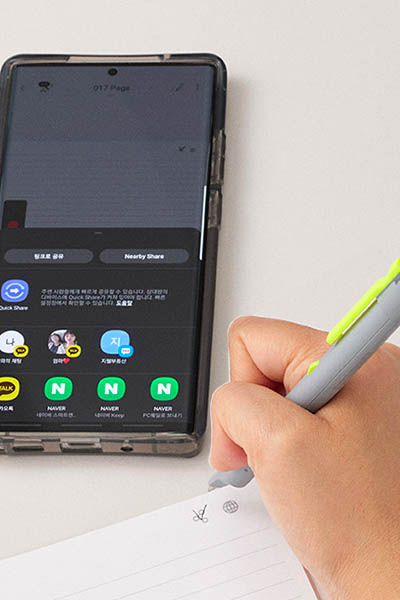
#P2UI #Touch #execute
Share with one touch
If you touch the icon at the top of the digital notebook with a pen, you can send your handwriting to social media or email. Share quickly and conveniently with just one touch!
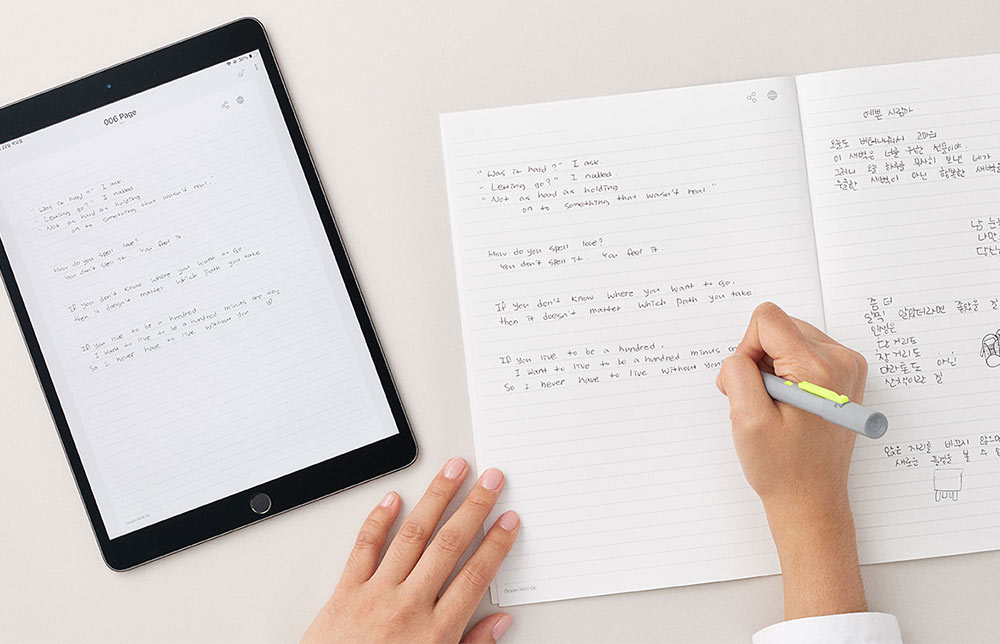
#Store
Easy to store, quick to save
Use the Neo smartpen to take notes as if you were writing with a regular pen and paper, and check directly on your mobile or PC with the Neo Studio app.
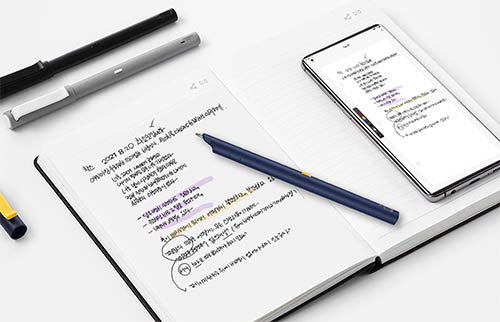
#convenience #familiarity
Authentic pen-like convenience and familiarity.
Uncomfortable writing on a tablet PC? Use the same convenience as writing with a pen.
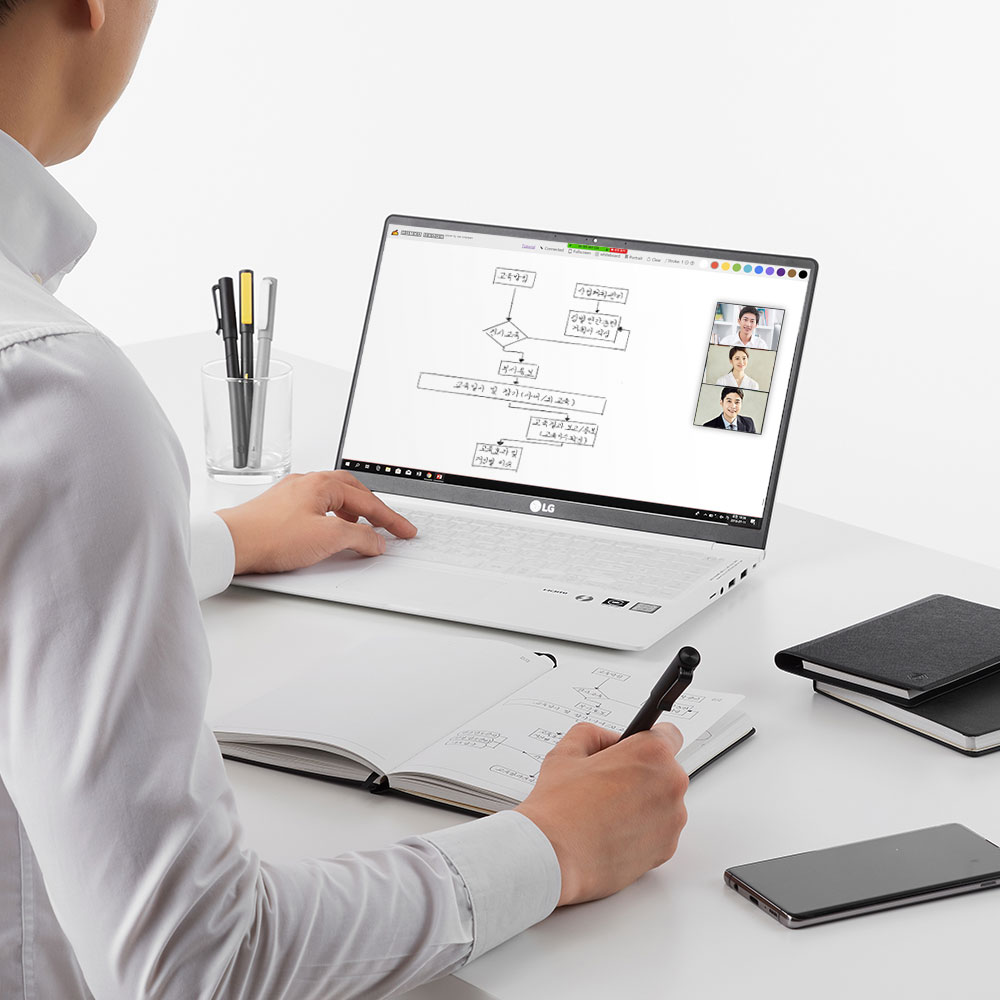
#smartwork
How to make collaboration more efficient?
You can take notes or sketch directly on the meeting materials. Share your handwriting and sketches with video conferencing solutions such as Skype and Zoom that support screen sharing.